
How to Fix Voltage Drop Between Power Supply and Fixture
Voltage drop dims LED strips on long runs. Fix it with heavier wire, shorter runs, tap-based supplies, or a boost-capable QZ-PRO/Q-DIM driver. Three-bullet key takeaways: Voltage drop from wire resistance causes dimming and color shift on LED runs past ~30–40 ft, following Ohm's Law (V = I × R). Four fixes: heavier-gauge wire, shorter runs, tap-based supplies (QTMS/QOMS/Q6S), or a boost-capable driver (QZ-PRO/Q-DIM) adjustable from 24V to 26V. Use QTL's Voltage Drop Calculator to find max run length by driver, load, wire gauge, and acceptable drop (1/3/5%).
The voltage that leaves your power supply is not the voltage that reaches your last fixture. Every foot of wire drops a small amount, and by the time you get past 30 or 40 feet on a heavy load, you can lose enough voltage to dim the strip, shift its color, or shut it down entirely.
That’s voltage drop, and it’s one of the most common install failures in low-voltage LED lighting. Here’s how to solve it.
What Causes Voltage Drop on LED Runs?
Voltage drop is the result of wire resistance. Longer wire and smaller wire gauge both increase resistance. Higher current draw (more wattage) makes the drop worse.
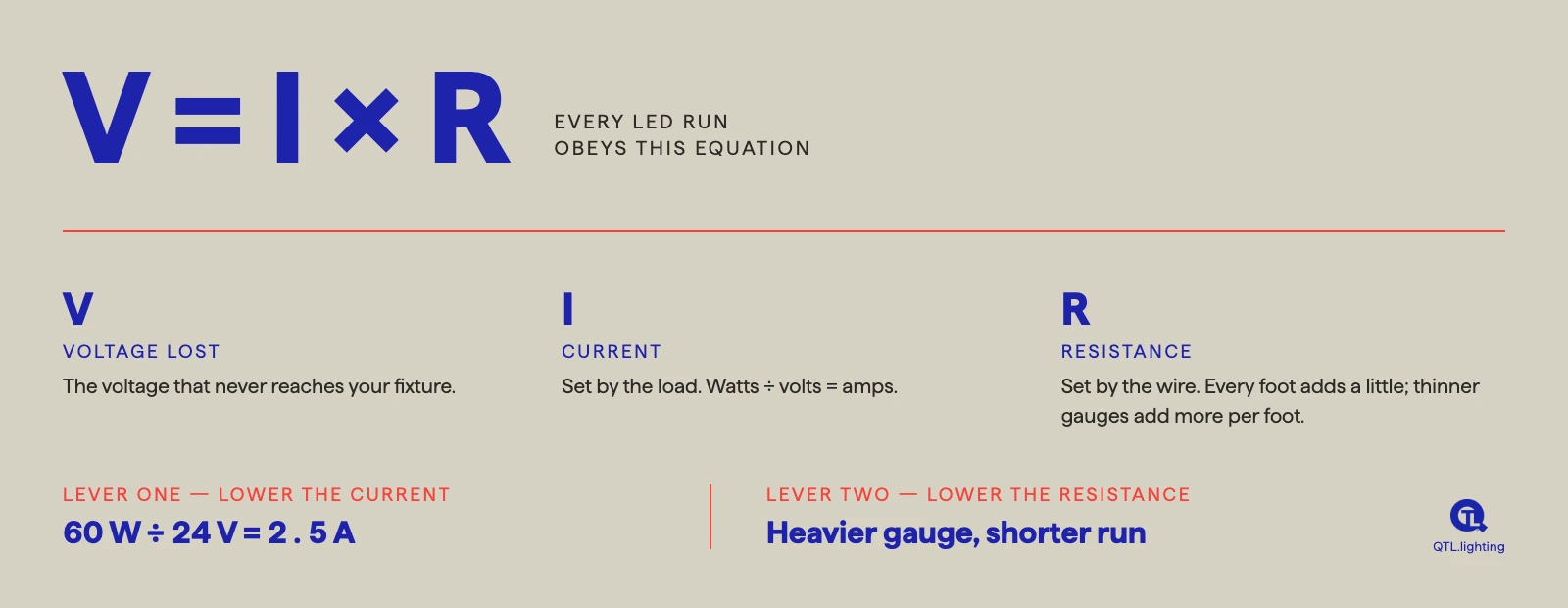
The physics behind it is Ohm’s Law: V = I × R. The voltage lost along the wire (V) equals the current flowing through it (I) multiplied by the wire’s resistance (R). Every LED run obeys that equation, which means there are only two levers to pull: lower the current or lower the resistance.
Current is set by the load: watts ÷ volts = amps, so a 60W load on a 24V system draws 2.5 amps. Resistance is set by the wire: every foot adds a little, and thinner gauges add more per foot. Multiply the two together and the result is the voltage that never reaches your fixture.
At 24V, a 60W run on 12 AWG (American Wire Gauge) wire delivers full voltage to a fixture roughly 151 feet away. Extend that run to 200 feet and the fixture receives less than 22V, enough to cause visible dimming and color shift on most LED strip lights.
- The three variables at play:
- Wire gauge: heavier wire (lower AWG number) reduces resistance
- Run length: longer runs increase total resistance
- Load wattage: higher wattage draws more current, amplifying drop
Four Ways to Fix Voltage Drop
1. Use Heavier Gauge Wire
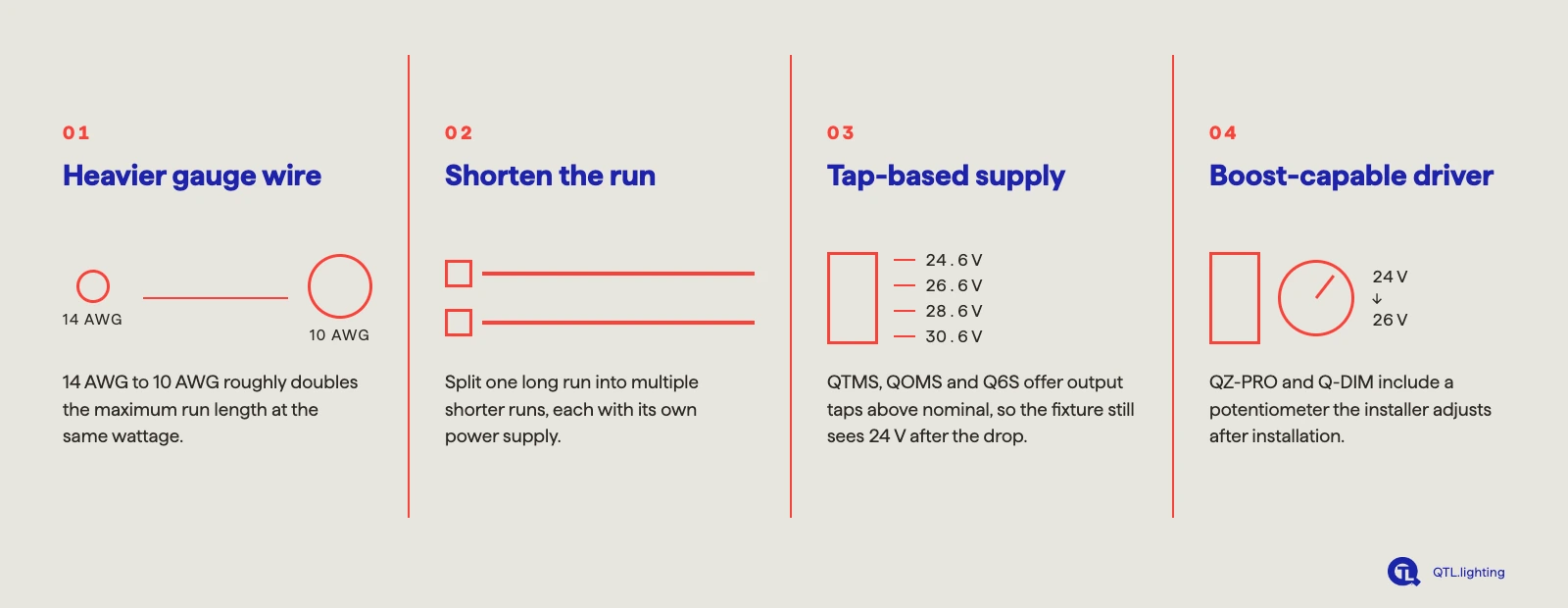
The most direct solution. Moving from 14 AWG to 10 AWG roughly doubles the maximum run length at the same wattage. The catch: heavier wire costs more, is harder to pull through conduit, and doesn’t fit standard fixture terminals above 10 AWG. It’s a fine fix for planned runs, but poor for retrofits or field surprises.
2. Shorten the Run
Split a long run into multiple shorter runs, each with its own power supply. Effective, but requires more supplies, more junction boxes, more labor, and more space in the ceiling or wall.
3. Use a Tap-Based Power Supply
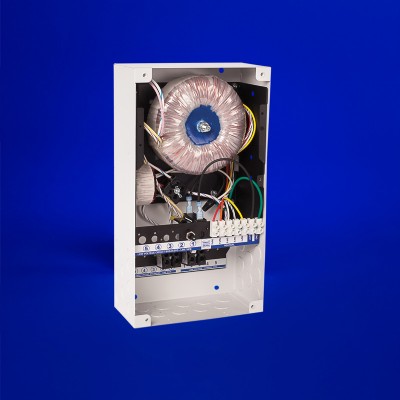
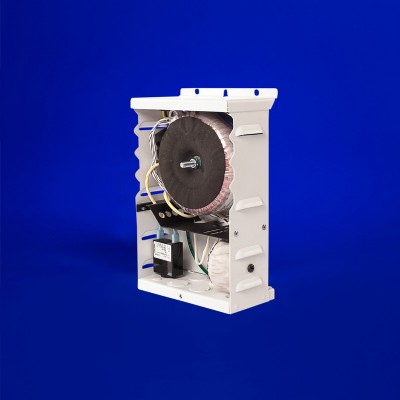
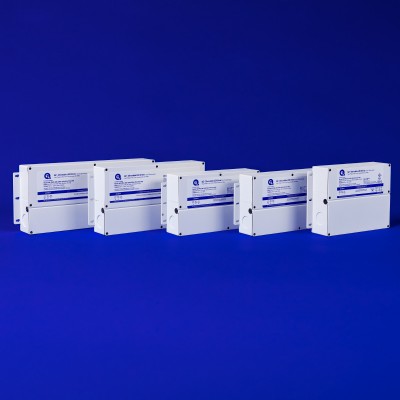
QTL’s tap-based supplies (QTMS, QOMS, Q6S, and others) offer multiple output voltage taps above nominal. For a 24V system, the taps deliver 24.6V, 26.6V, 28.6V, or 30.6V. You pick the tap based on your expected voltage drop, so the fixture still sees a full 24V after the drop.
This works well when you can predict the drop during design phase, with known run lengths and wattage. The limitation is that once installed, the tap is fixed. If the actual drop differs from your calculation, you’re stuck with the wrong tap.
4. Use a Boost-Capable Driver: QZ-PRO or Q-DIM
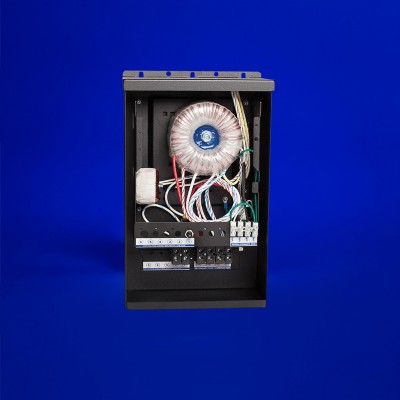
QTL’s QZ-PRO and Q-DIM solve the "you can’t predict drop exactly" problem. Both include an integrated potentiometer that lets the installer adjust output voltage from 24V up to 26V after installation.
Here’s how it works in the field:
- Install the run at the calculated wire gauge and length
- Measure voltage at the fixture with a multimeter
- If voltage is low, turn the potentiometer up until the fixture reads exactly 24V
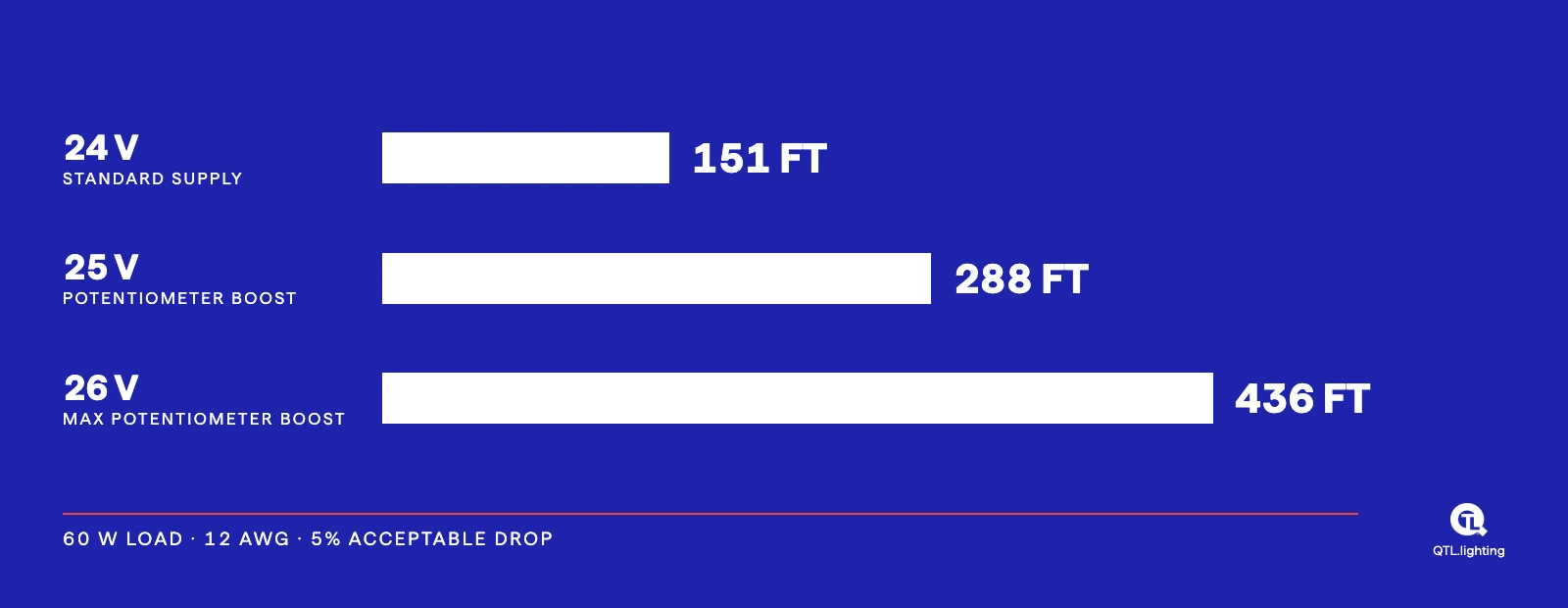
The difference in max run length is substantial. On a 60W load at 12 AWG with 5% acceptable drop:
How Boost Compensates for Voltage Drop
A boost-capable driver like QZ-PRO or Q-DIM starts the run at a higher source voltage, so that after voltage drop across the wire, the fixture still receives full 24V. A standard 24V driver has no headroom for the drop.
QTL Power Supplies with Built-In Voltage Drop Solutions
Voltage drop is rarely the primary reason someone chooses a power supply. Most specifiers are focused on dimming protocol, dimming performance, AC vs DC input, wattage, and form factor. But when voltage drop is a design constraint, here’s how each QTL category handles it:
- Standard 24V drivers (QZLP and similar): correctly sized wire and a well-planned run length. No built-in compensation.
- Tap-based drivers (QTMS, QOMS, Q6S): elevated output voltage taps let you pre-compensate for calculated drop at design time. Fixed once installed.
- QZ-PRO: field-adjustable potentiometer boosts output voltage from 24V to 26V after install. Eliminates guesswork for long runs or unpredictable field conditions.
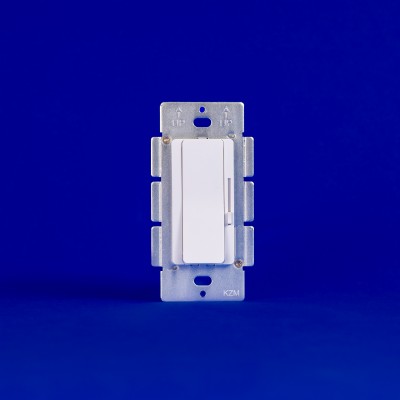
- Q-DIM: same 24V-26V potentiometer as QZ-PRO plus an integrated dimmer, in a single J-box device. Ideal when you need dimming and voltage compensation in one place.
Using the QTL Voltage Drop Calculator
Try the Voltage Drop Calculator
The QTL Voltage Drop Calculator returns the maximum run length in real time for any combination of driver, load, wire gauge, and acceptable voltage drop. To get an accurate answer, four inputs matter:
Load Wattage
Set this to match the total wattage of the fixture (or fixtures) you’re powering on this run. If you have three 10W fixtures on one run, set the load to 30W. Higher wattage draws more current, which increases voltage drop, so the calculator will return shorter maximum run lengths as load increases.
Dim or Non-Dim
This toggle only appears for tap-based calculators. Selecting the dimmer option applies a 0.917 voltage factor to the source (dimmers introduce a small voltage loss of their own). This reduces effective voltage at the source, which means shorter maximum run lengths on dimmer rows than on switch rows. Pick the option that matches how the run will actually be controlled.
System Voltage (12V or 24V)
Match the input voltage the fixture requires. 12V systems have shorter maximum runs at the same wattage than 24V systems, because the same wattage at lower voltage means higher current, which increases drop. If your fixture accepts either, 24V is almost always the better choice for longer runs.
Voltage Drop Percentage
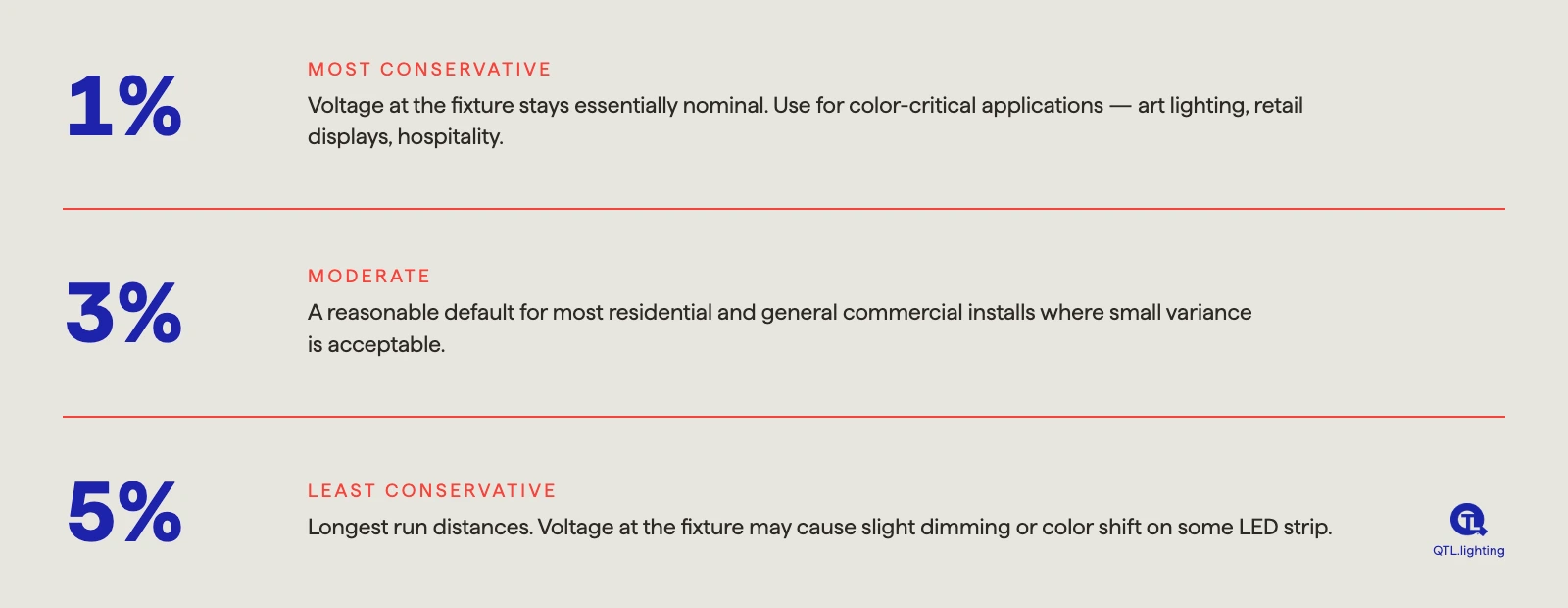
The percentage represents how much voltage you’re willing to lose between the driver and the fixture. Lower percentages give shorter runs but tighter voltage control at the fixture. Higher percentages give longer runs but more variance in fixture voltage.
- 1% drop: most conservative. Voltage at fixture stays essentially nominal. Use for color-critical applications like art lighting, retail displays, and hospitality installs where color consistency matters across the whole run.
- 3% drop: moderate. A reasonable default for most residential and general commercial installs where small variance is acceptable.
- 5% drop: least conservative. Longest run distances. Voltage at fixture may cause slight dimming or color shift on some LED strip. Use when run length is the priority and minor variance is acceptable.
For tap-based calculators, distances are also shown at 85% target voltage, which represents the minimum acceptable voltage at the fixture before LED performance degrades noticeably. This is the outer edge of what a run can physically deliver, not a recommended operating point.
The calculator returns a distance value for every available wire gauge based on your inputs. Pick the gauge that gives you enough run length with the wire size you can actually pull through the installation.